Enable Website Previews
Install a free Chrome extension to allow websites to load inside DomainPeek's preview grid.
1
Install the Extension
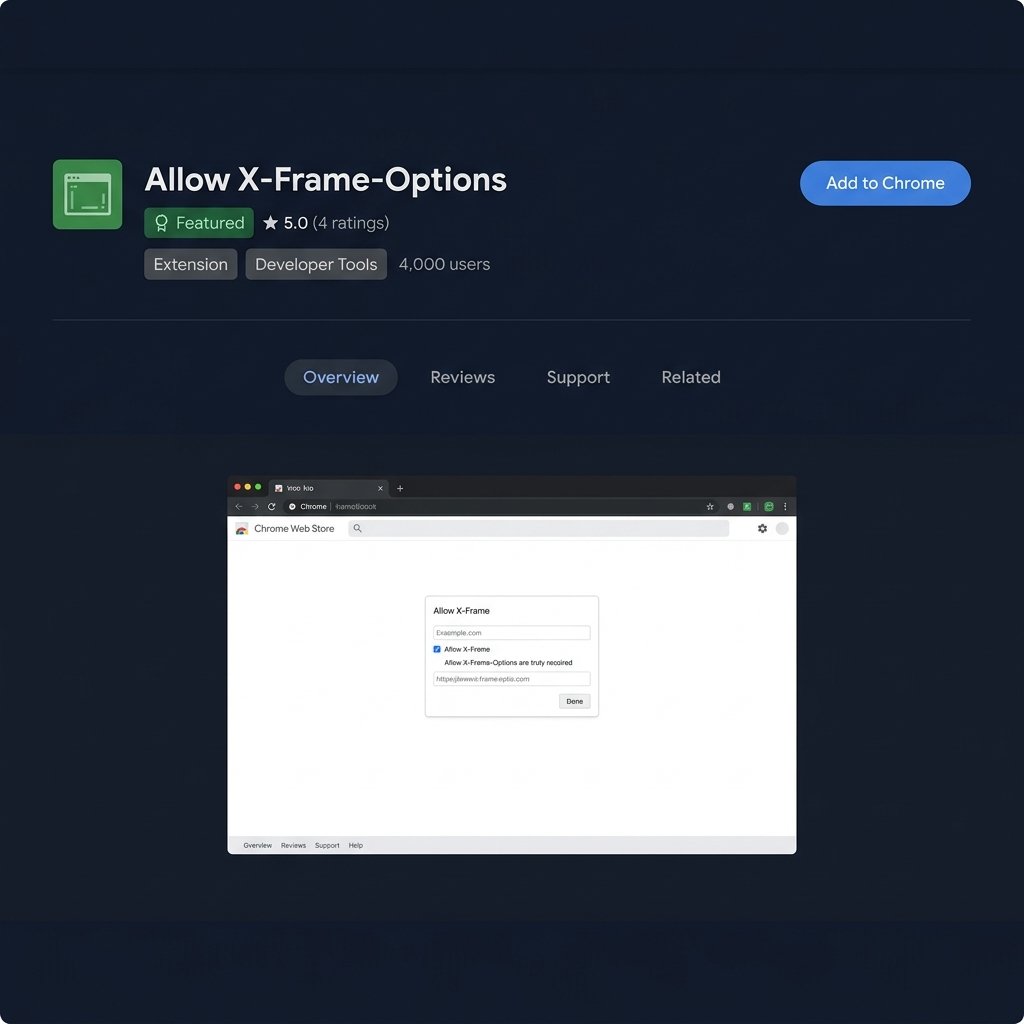
Click the button below to install Allow X-Frame-Options from the Chrome Web Store — it's free.
2
Pin It to Your Toolbar
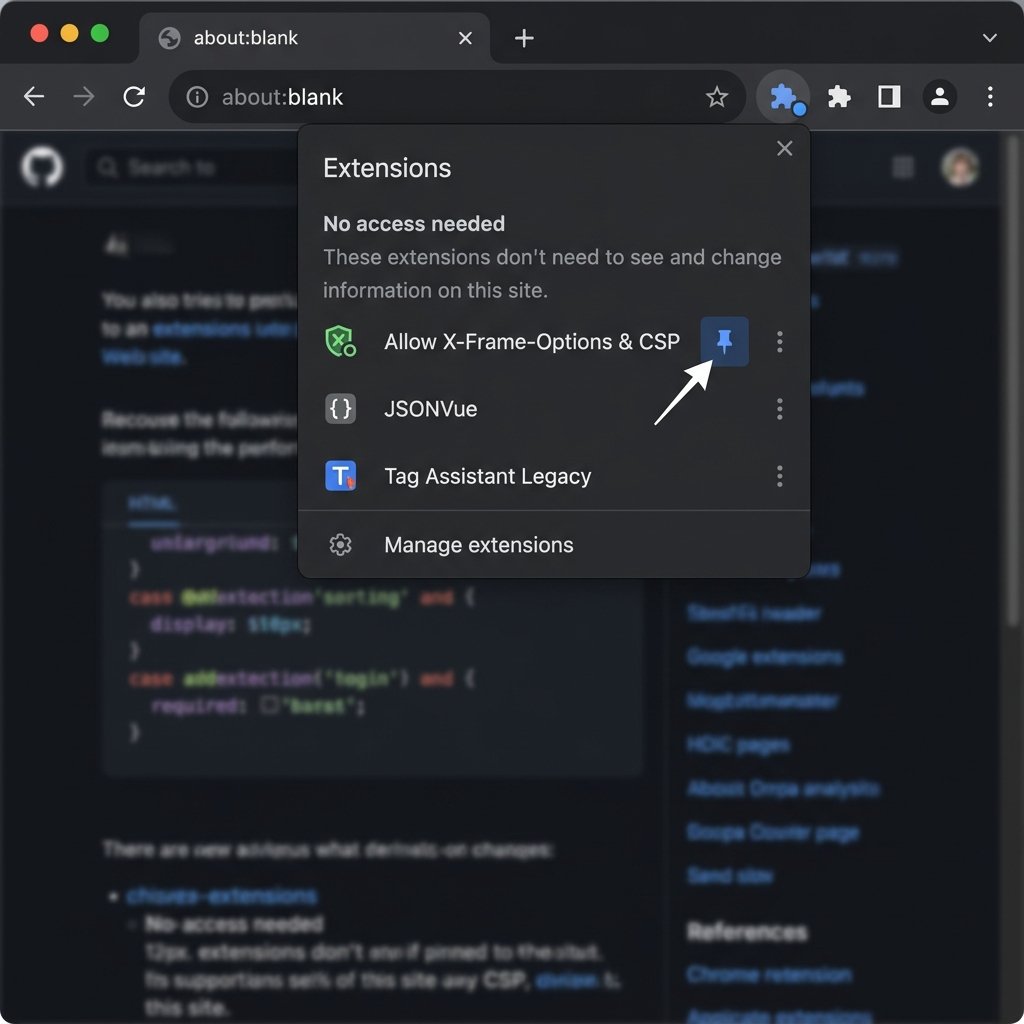
Click the 🧩 Extensions icon in Chrome → find the extension → click the 📌 pin icon.
3
Turn It ON
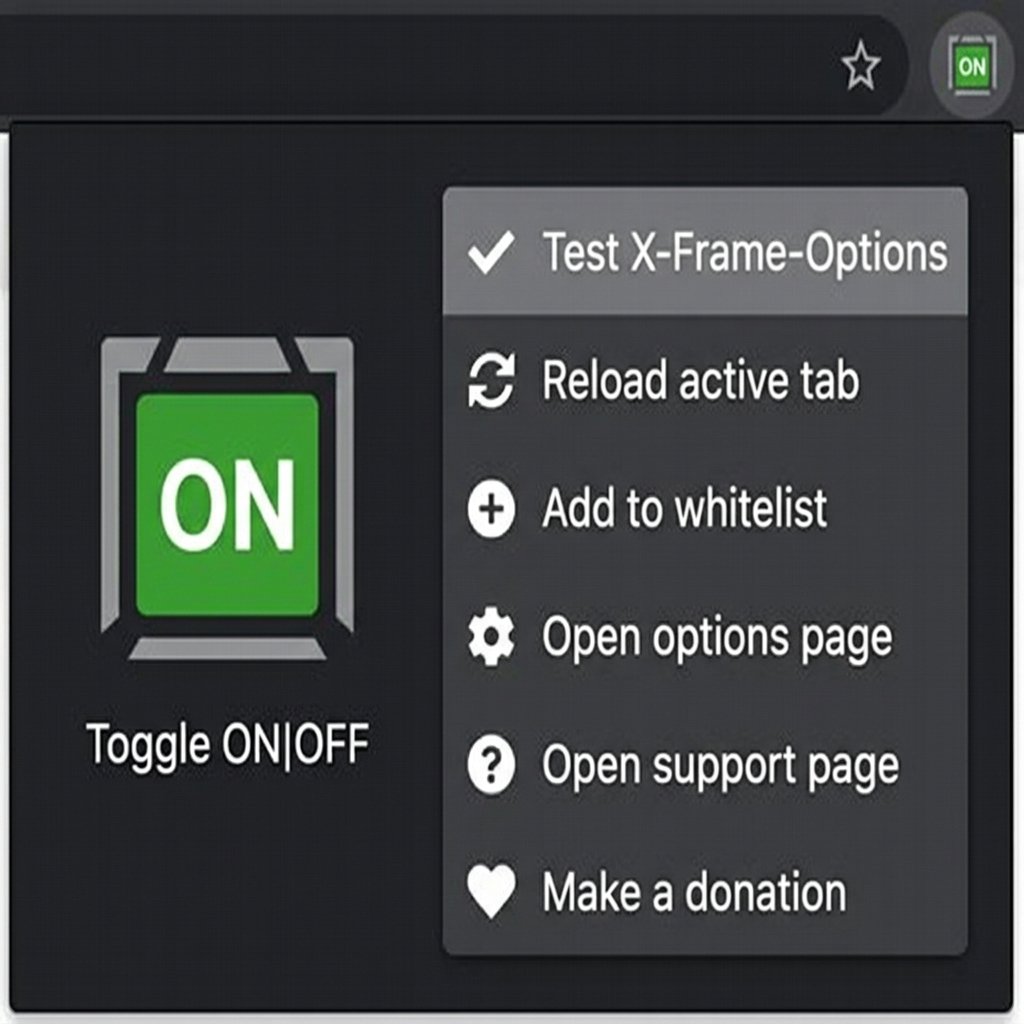
Click the extension icon in your toolbar → make sure it shows ON. Done!